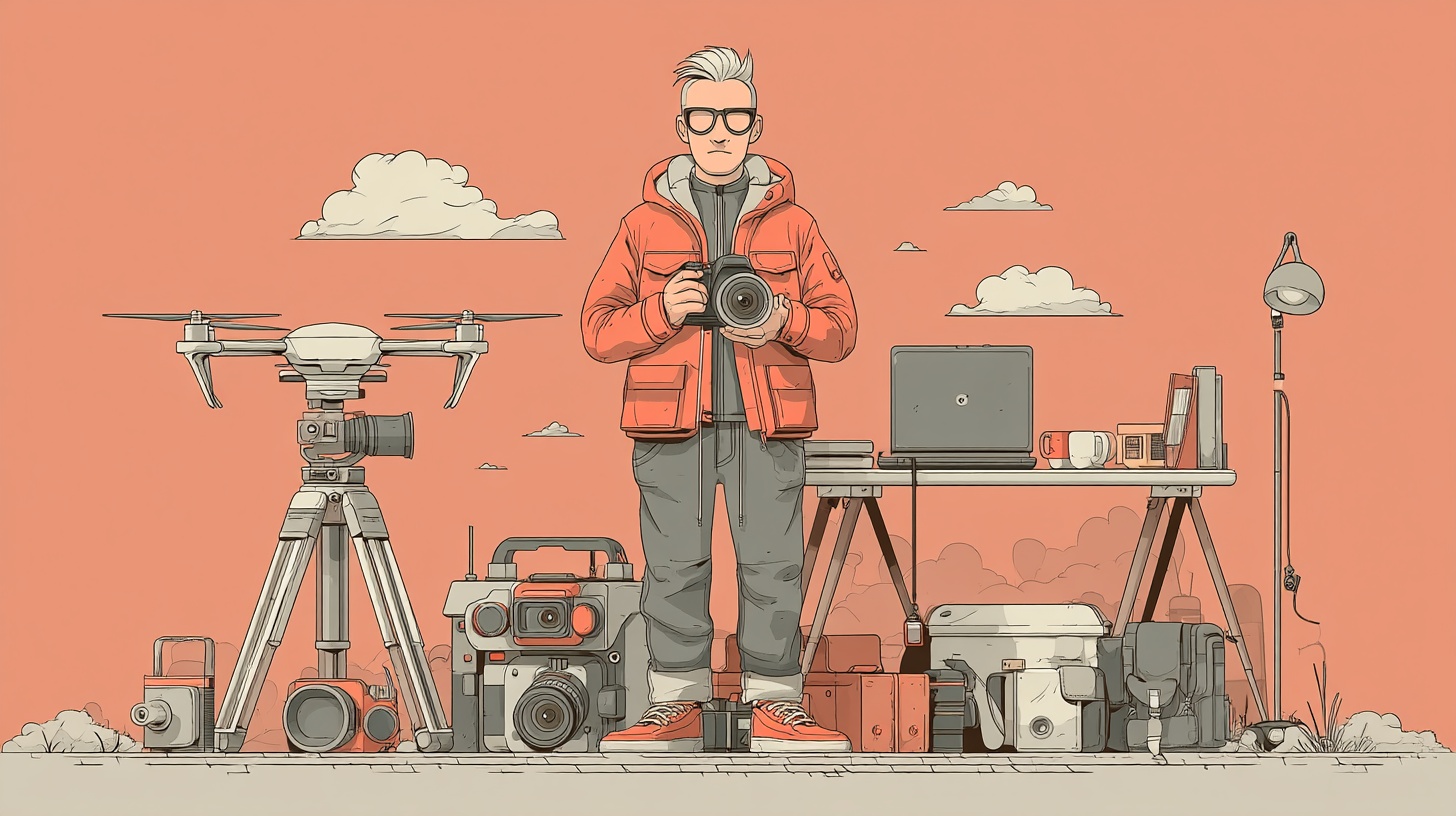
Ask any photographer and they’ll agree: the right tools make life easier, especially when navigating a shoot in a city as dynamic as New York.
In a fast-paced industry, high-quality equipment is a necessity. Whether you’re a professional managing a high-stakes business in Manhattan offering commercial photography services, or an enthusiast refining your craft along the Brooklyn waterfront, the right tools streamline your workflow, spark creativity, and improve efficiency.
From business essentials to post-processing software, this guide explores our favorite photography tools to help you stay organized, edit faster, and capture stunning images.
Stay organized with Evernote
Juggling multiple shoots, clients, and deadlines can be overwhelming. Evernote is a powerful note-taking app that helps photographers track every detail. If you’ve ever worried about forgetting a specific lens for a sunset session at Top of the Rock or a backup card for a wedding at the New York Public Library, Evernote is the solution. Use it to:
- Store manuals and checklists: Keep vital resources accessible in one place.
- Plan shoots: Organize shot lists, location notes, and client preferences.
- Sync across devices: Access your notes on your phone, tablet, or desktop.
Connect and learn with SLR Lounge
Photography is as much about networking and business growth as it is about taking pictures. SLR Lounge is a premier education platform and community for wedding, portrait, and commercial photographers. It is an invaluable resource for navigating the competitive NYC creative scene, offering:
- In-depth tutorials: Learn everything from technical camera settings to advanced business strategies.
- Photo critiques: Improve your work through expert feedback.
- A thriving community: Connect with fellow photographers to ask questions and find inspiration.
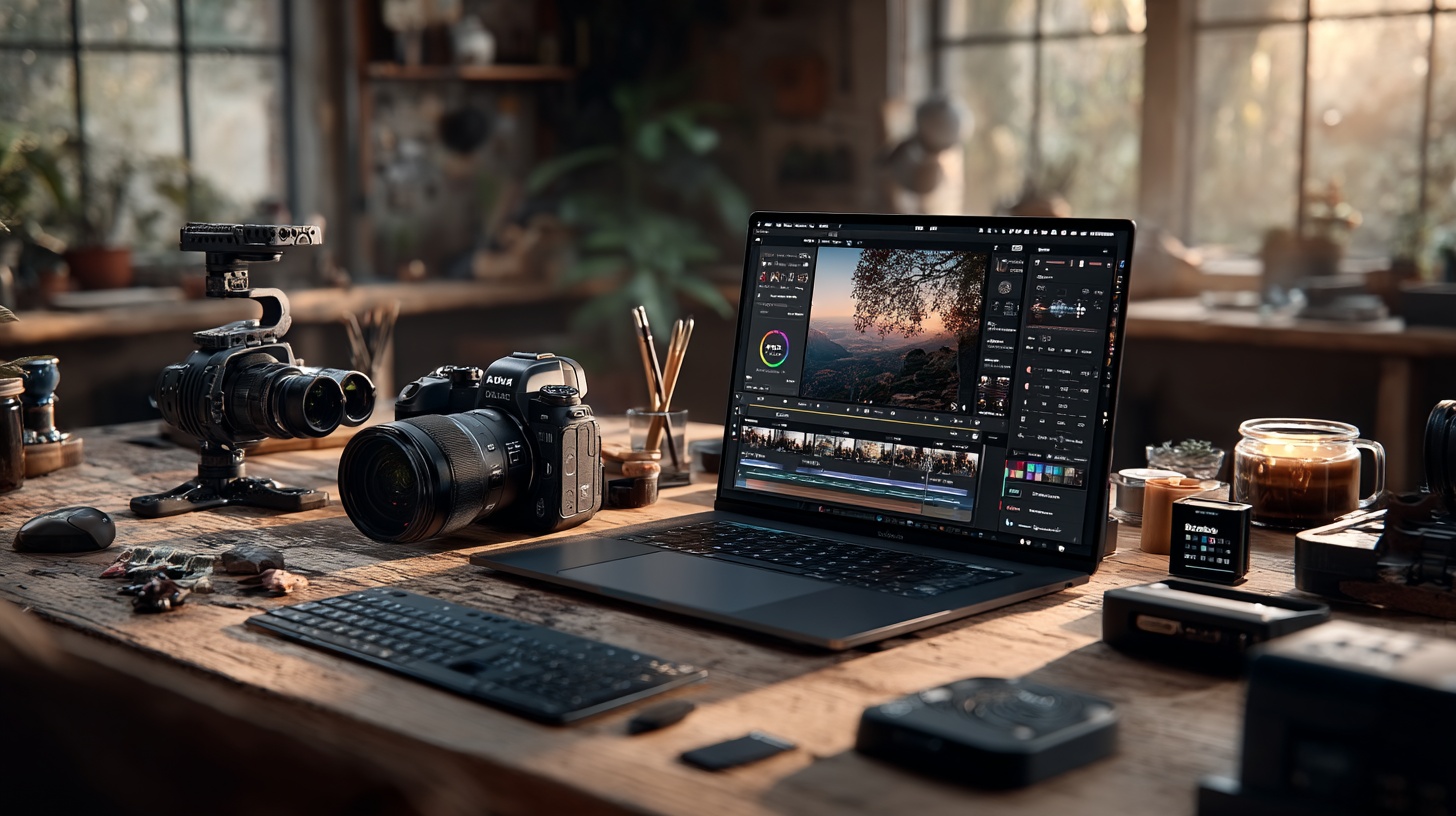
Adobe Lightroom & Photoshop: the industry standards
Adobe Lightroom and Photoshop remain the gold standard for post-processing.
- Lightroom: Best for batch editing, color correction, and RAW processing. Its non-destructive editing allows you to experiment without altering the original file.
- Photoshop: The go-to for advanced retouching and compositing — essential for removing distracting tourists from your Times Square shots.
Lightroom’s greatest strength is its integration. Using the Imagely plugin, you can sync website galleries and publish images directly from Lightroom to simplify your workflow. If you don’t want to deal with all that, you can always hire NYC photography expert to handle it for you.
Free alternatives: For those seeking open-source options, GIMP and Darktable offer powerful editing capabilities without a subscription.
Visual flow: presets for a faster workflow
Speed up you’re editing with Visual Flow, a preset system designed by professionals:
- Lighting-based development: These presets adapt to specific lighting scenarios, ensuring consistency whether you’re shooting in the harsh shadows of Wall Street or golden hour in Central Park.
- One-click editing: Apply polished, professional looks instantly.
Loupedeck: the ultimate editing console
For precision control, Loupedeck offers hardware interfaces specifically for creatives:
- Customizable Controls: Adjust exposure, contrast, and color using physical dials instead of a mouse.
- Ergonomic Design: Intuitive controls make editing faster and reduce strain during long sessions in the studio.
Alternative: The Logitech MX Creative Console offers similar functionality in a more compact design, making it a great option for multi-purpose workflows.